Stable gesture input
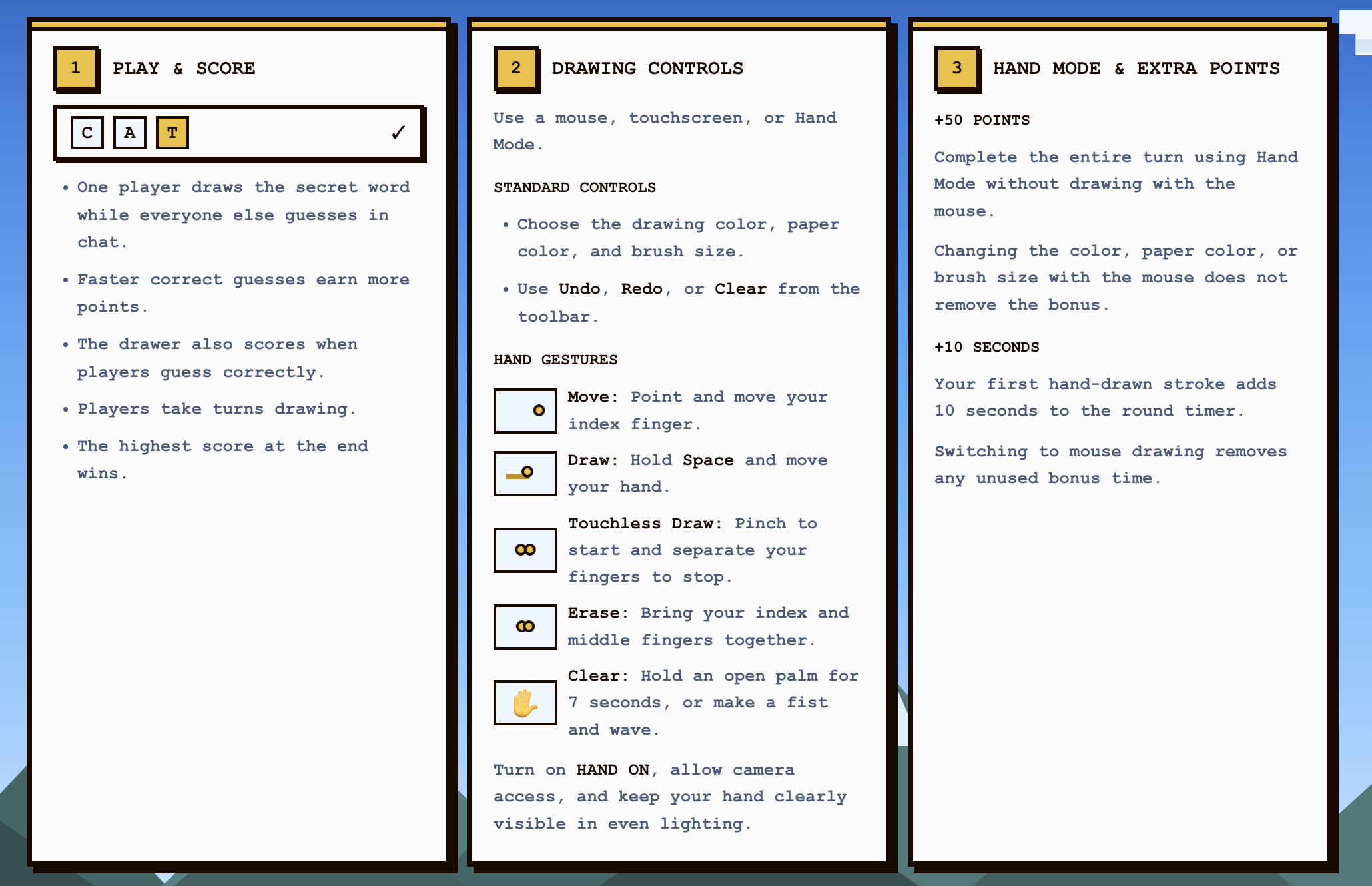
A single pinch threshold produced accidental marks. Calibration, landmark validation, smoothing, and an explicit gesture lifecycle made hand drawing more predictable.
Moodle is a browser-based drawing and guessing game that combines synchronized rooms, AI opponents, and camera-tracked hand gestures. Players can start without an account, invite friends with a room code, or jump straight into a solo match with bots.
Most drawing games treat the mouse as the only meaningful input. Moodle explores what changes when gesture drawing, human and AI players, synchronized rooms, and no-account browser access all belong to the same game loop.
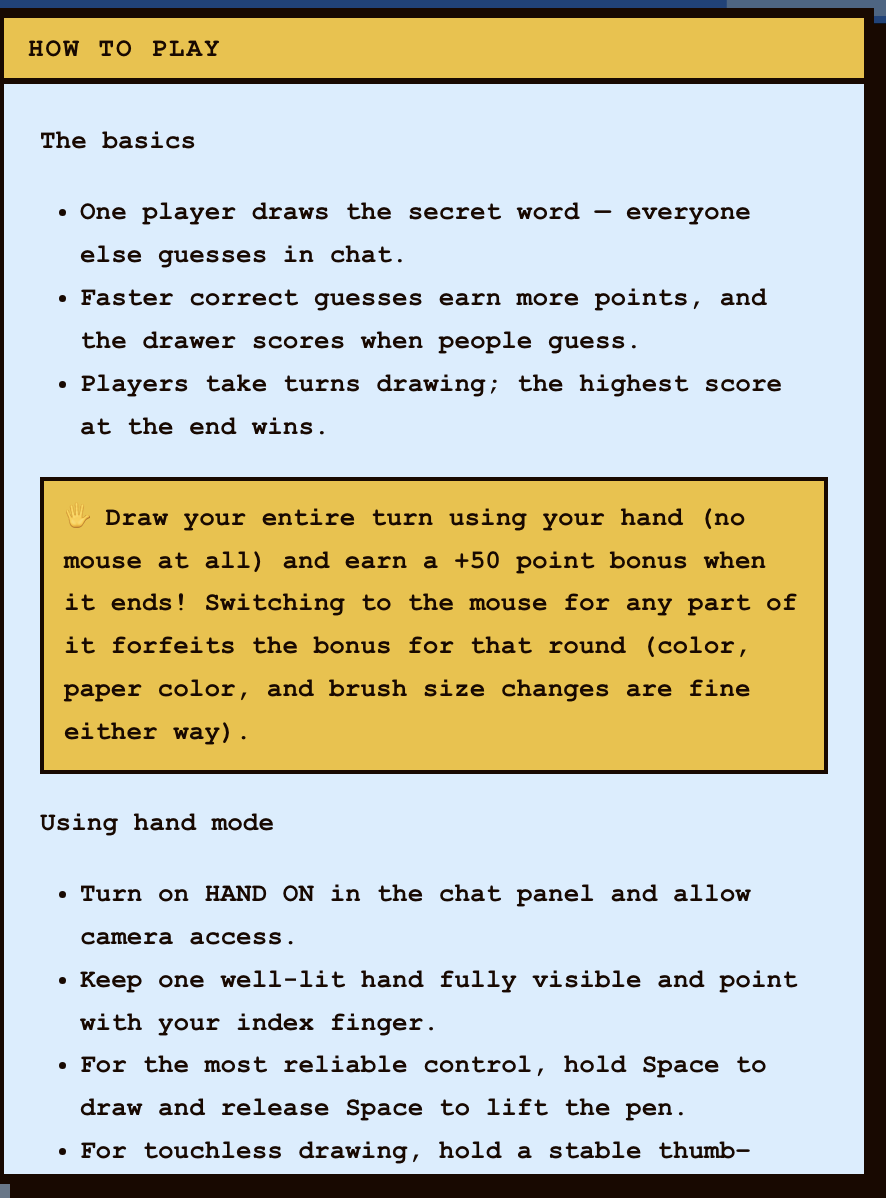
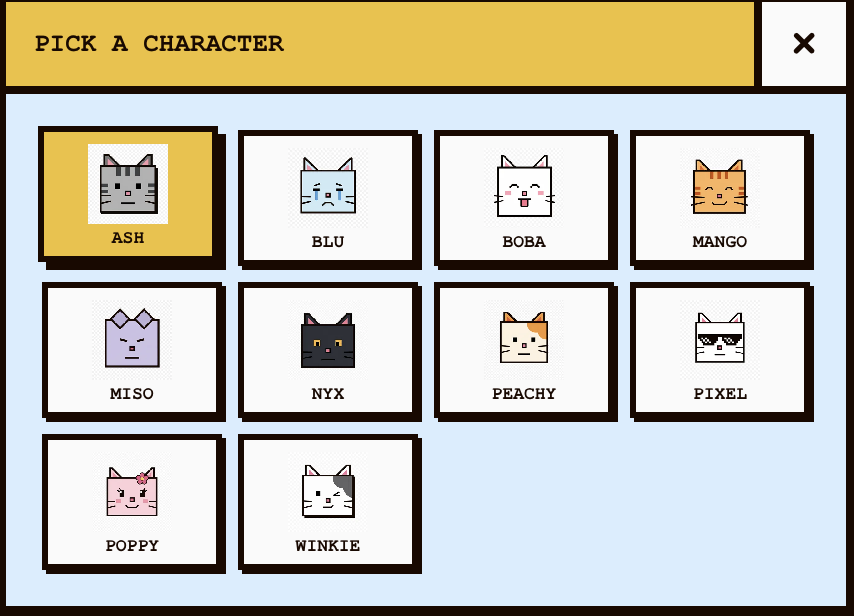
Players choose an identity, configure a room, invite others with a short code, or start instantly with AI. Public and private rooms support up to eight people without requiring an account or installation.
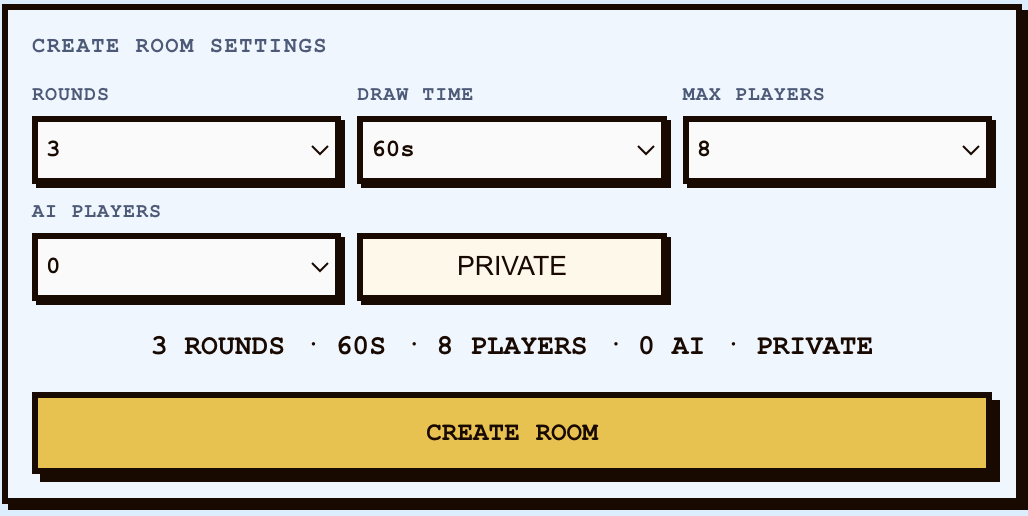
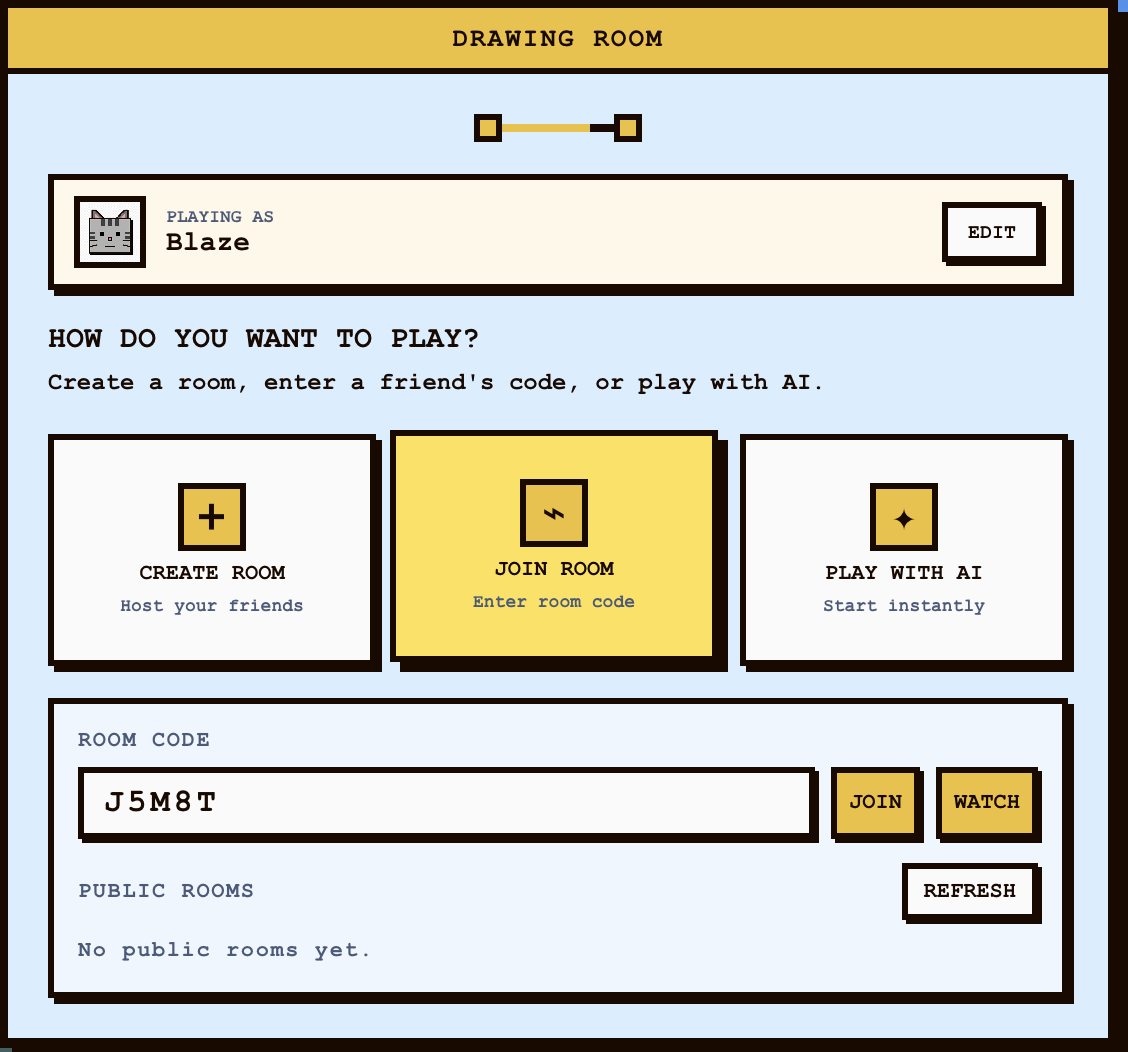
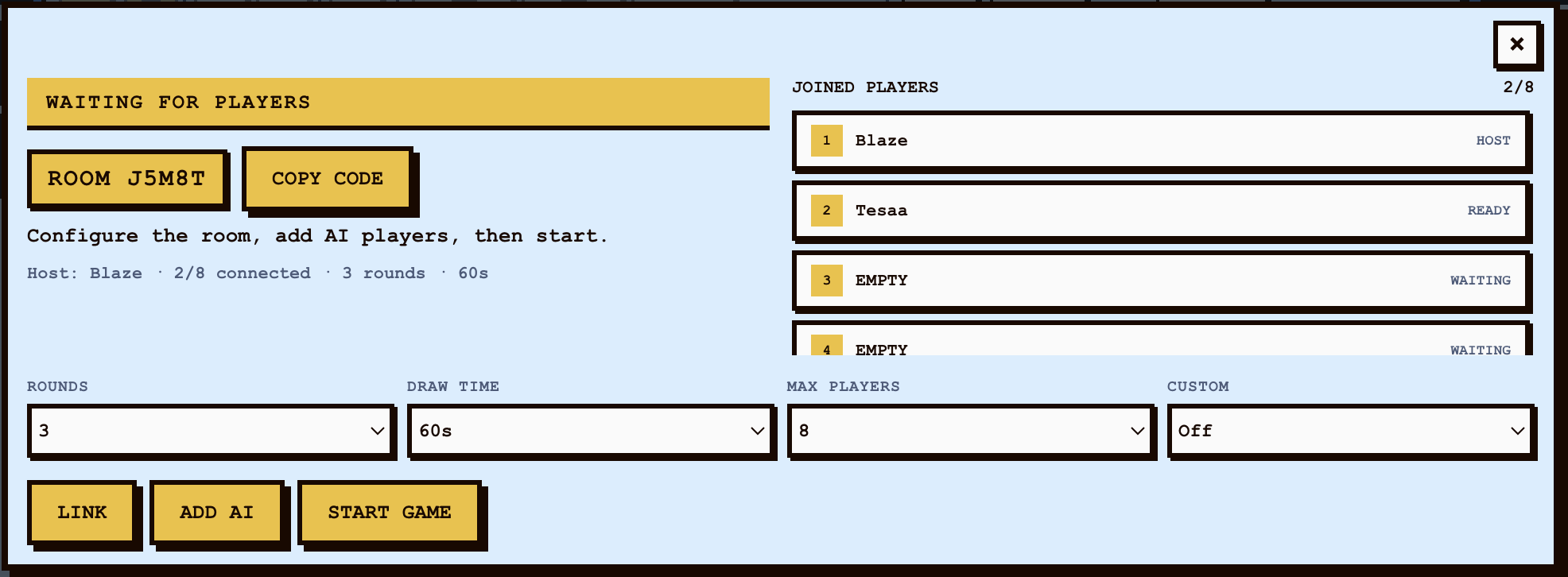
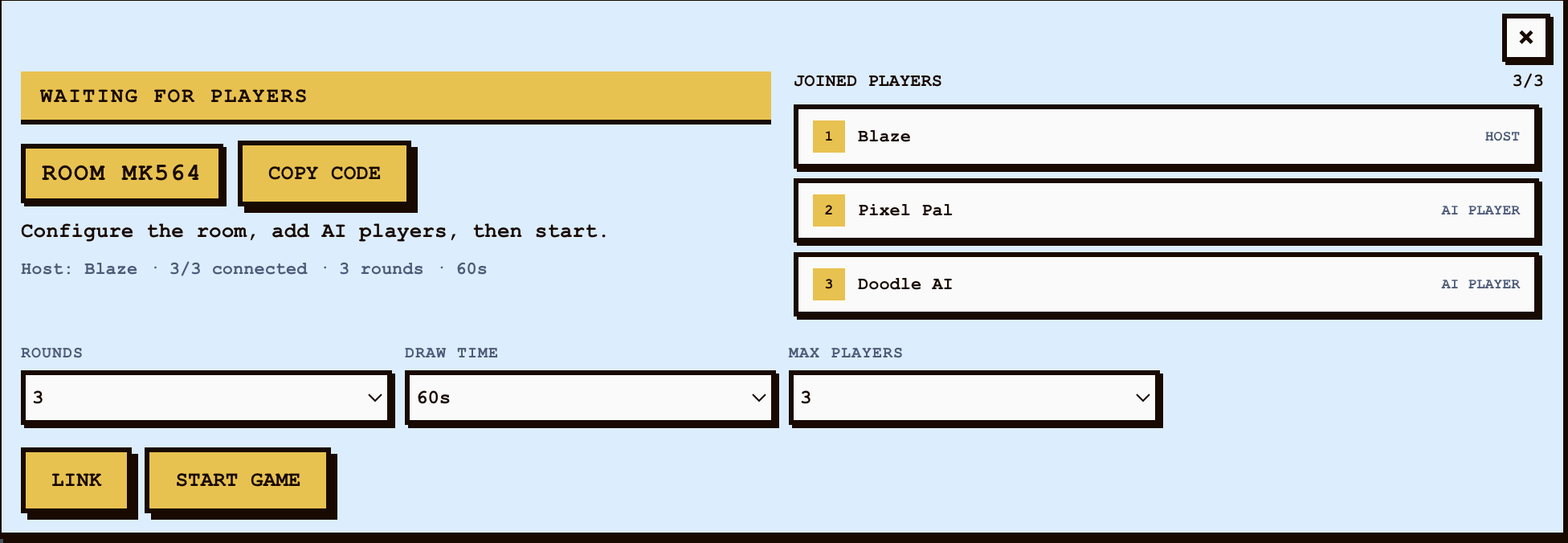
The Node.js and Socket.IO server owns turns, timers, secret words, scores, chat, and room membership. Every player receives the same validated state while the canvas streams compact stroke data in real time.
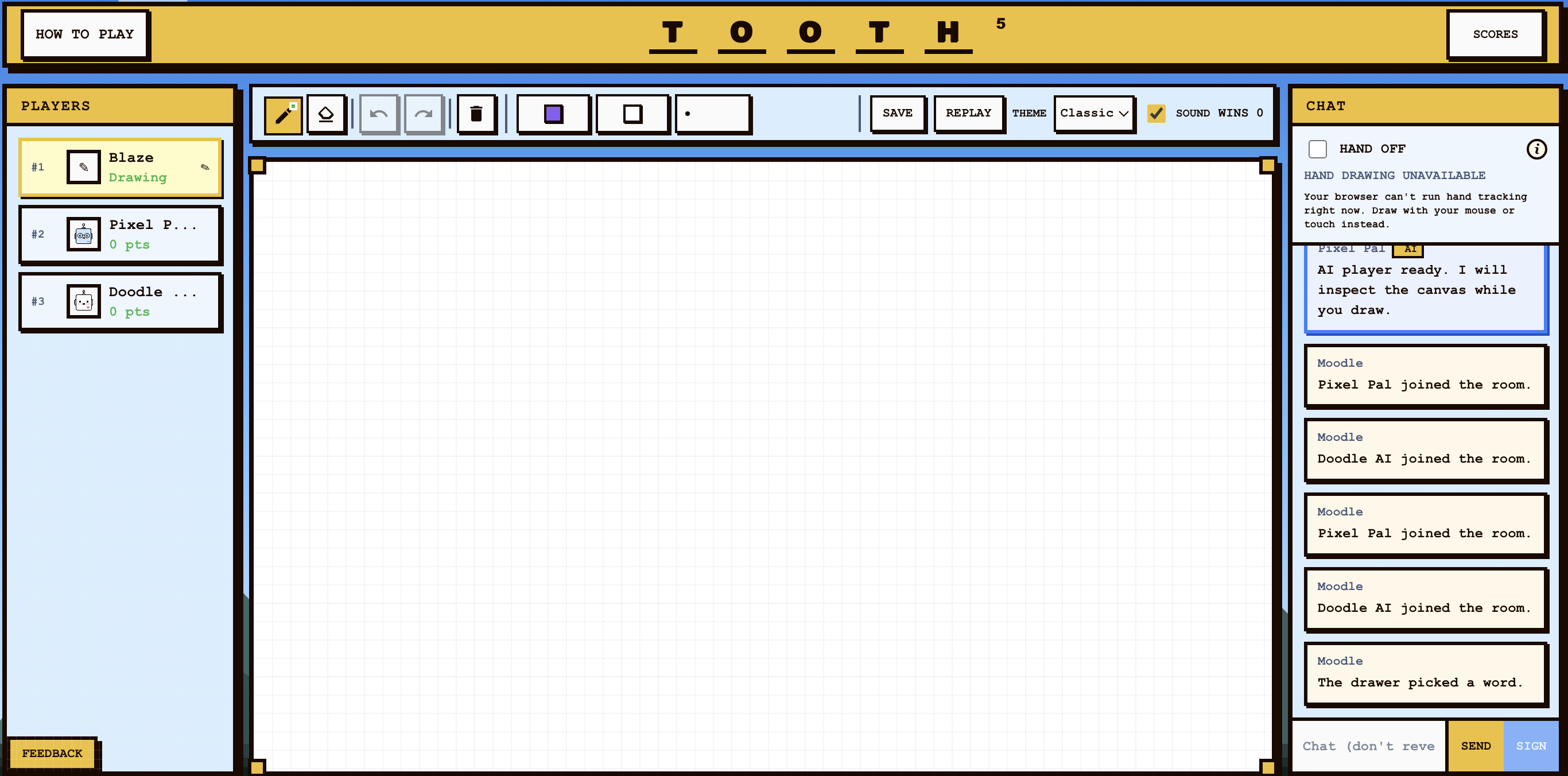
MediaPipe runs in the browser so camera frames stay on the player's device. Moodle calibrates pinch distance, smooths hand landmarks, and translates stable gestures into strokes while keeping standard drawing tools available as a reliable fallback.
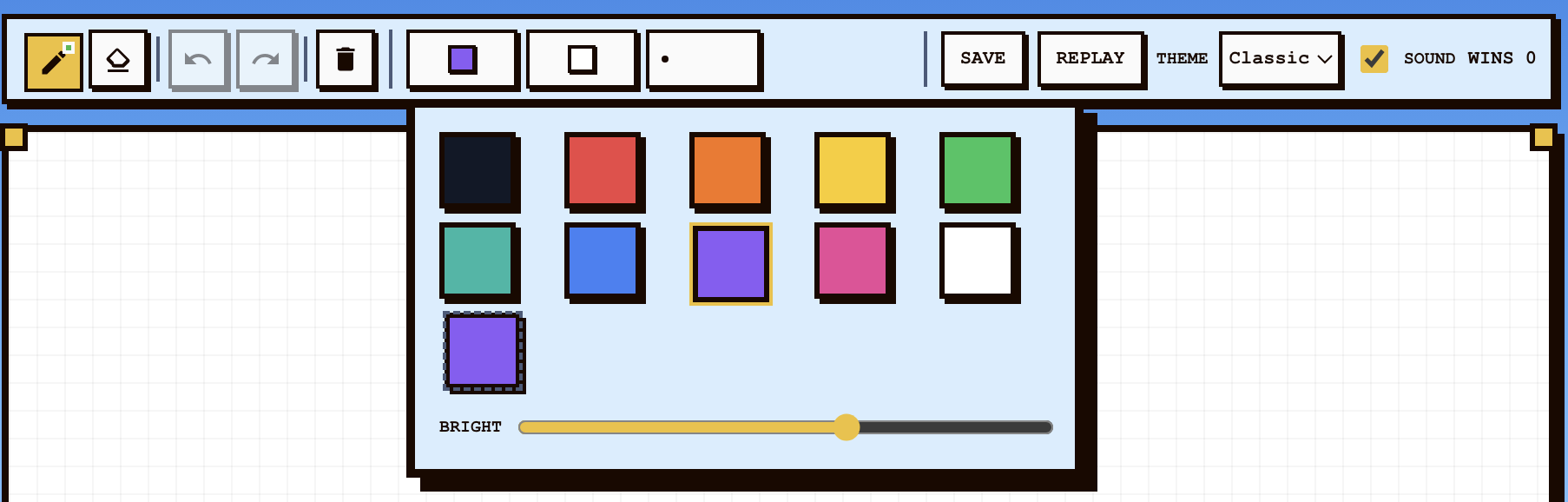
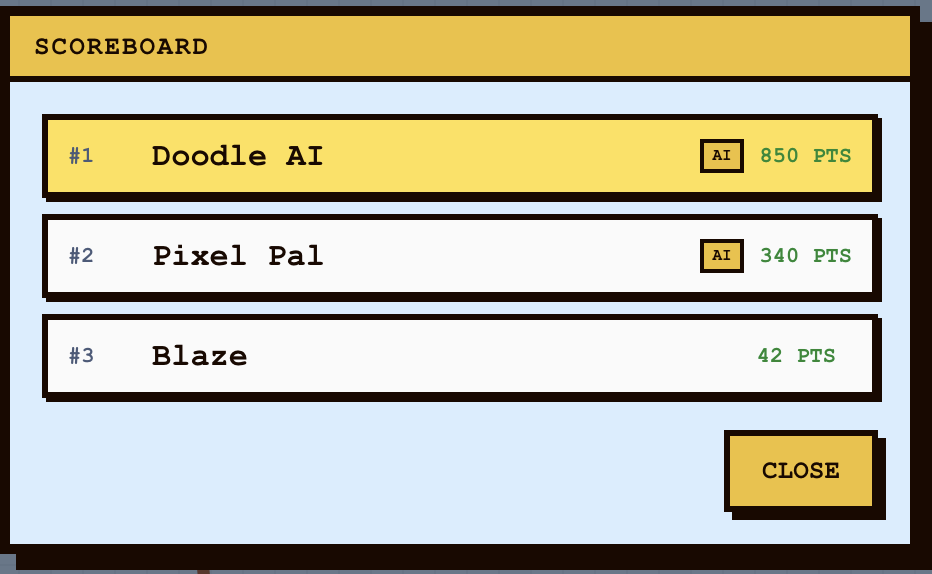
Bots can join rooms, choose words, draw, guess, react, and vary their pacing. Provider integrations are optional; local QuickDraw-derived fallbacks keep the public MVP playable without paid credentials.
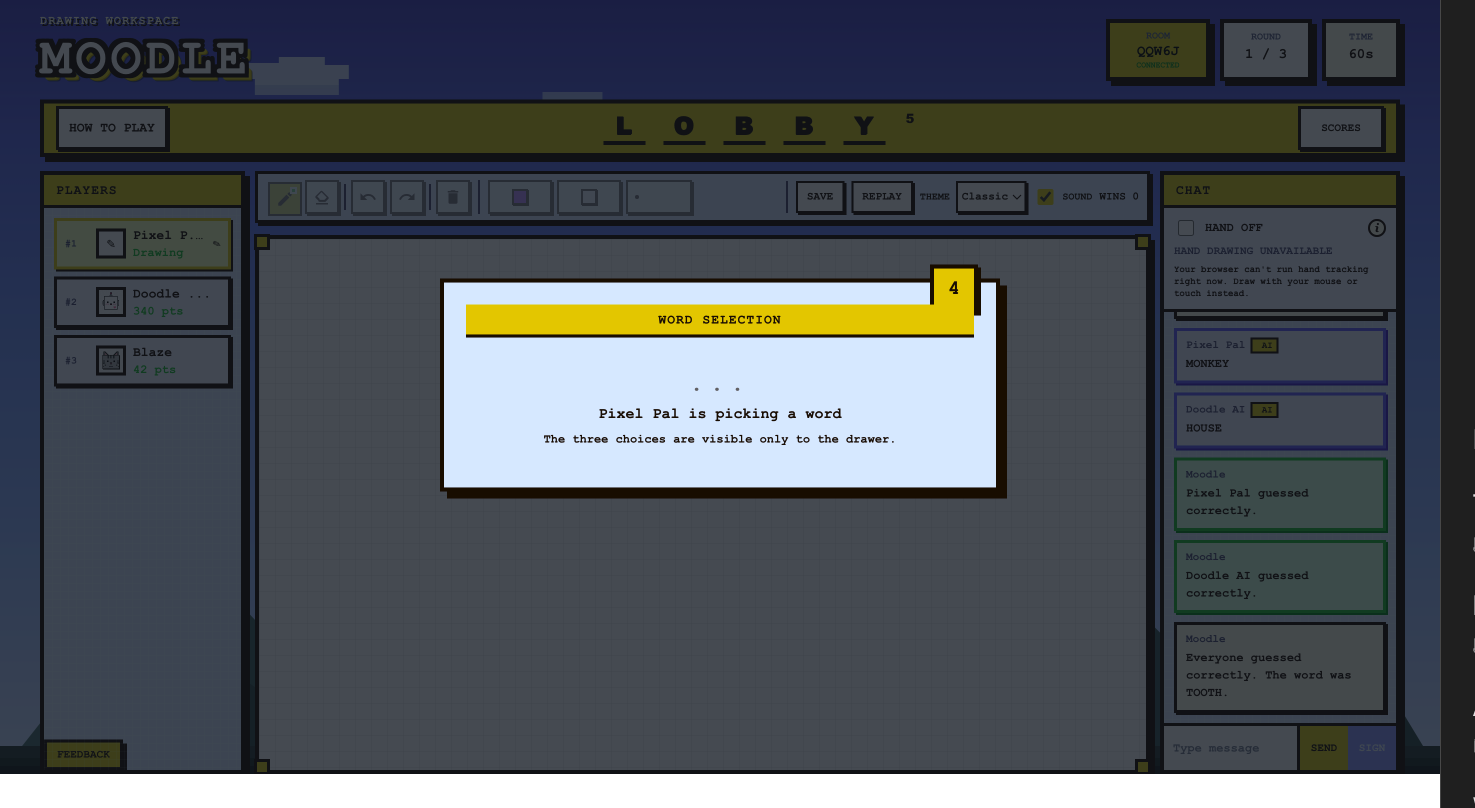
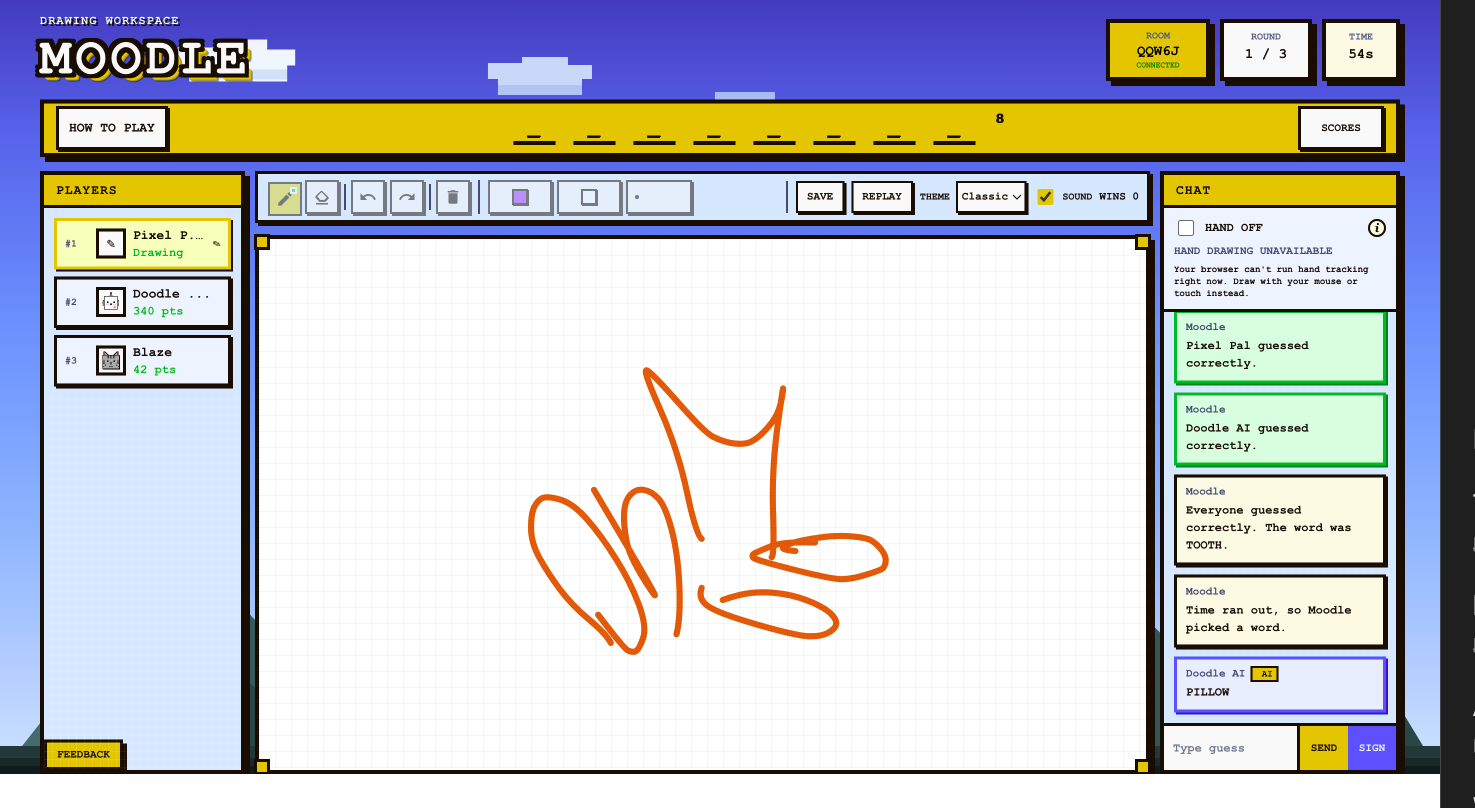
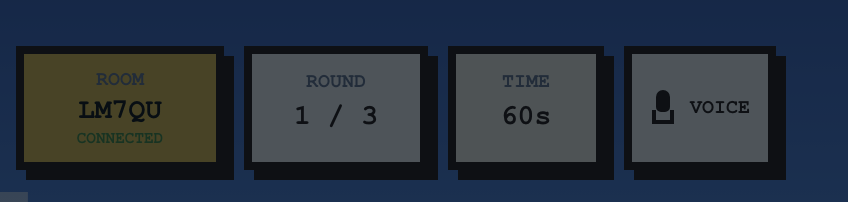
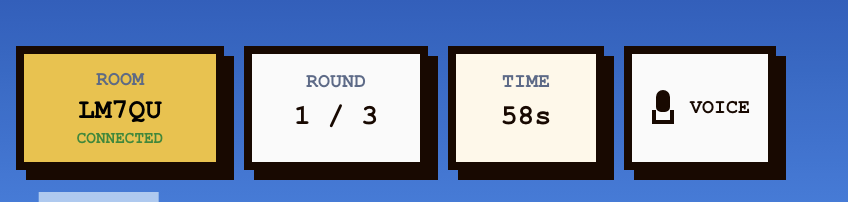
Connection, voice, timing, feedback, and scoring states use the same high-contrast pixel language. Clear visual changes help players understand when a room is connected, a microphone is active, or a round has ended.

Gesture input is noisy, multiplayer state races, and an active canvas grows more expensive with every stroke. The strongest technical decisions turn those failure modes into explicit state, validated events, and measurable fallbacks.
A single pinch threshold produced accidental marks. Calibration, landmark validation, smoothing, and an explicit gesture lifecycle made hand drawing more predictable.
Undo originally rebuilt the whole canvas and could desynchronize players. Unique stroke IDs and a server-owned undo event now remove the exact shared stroke.
Refreshes used to lose active games. Persisted room context and rotating reconnect tokens now restore a player to the correct room and identity.
Committed strokes are cached offscreen, live strokes are batched, and hand-tracking code loads only when requested so the canvas stays responsive.
Core multiplayer, drawing, bots, gesture tracking, testing, and deployment are working. The next phase is durable Redis/PostgreSQL infrastructure, browser end-to-end testing, and dated performance and gesture-quality benchmarks.